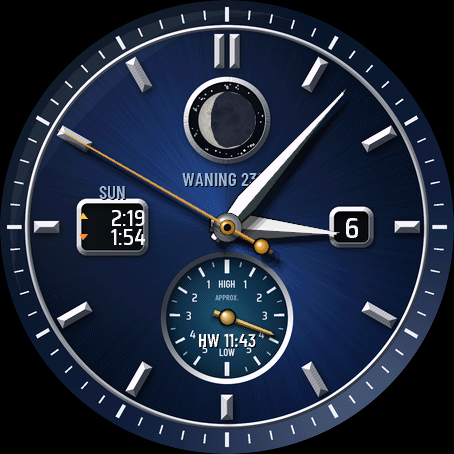
A classic analog watch face for people who live by the sea: the real moon phase at 12, a tide subdial at 6, sunrise and sunset at 9 and the date at 3.
- Moon aperture: the shadow of the current phase is drawn over a full moon, with WAXING or WANING and the lit percent below it (FULL MOON and NEW MOON on those days).
- Tide subdial: a brass hand shows the hours since high water, and the line below shows the time of the next high water (HW 11:58).
- Sunrise and sunset window with small sun arrows.
- Date window at 3 o'clock.
- Midnight blue or black sunray dial, polished silver or gold hands, seconds hand on or off, 12 or 24 hour times.
- Depth you can see: recessed moon aperture and subdial, applied faceted batons, faceted dauphine hands with soft shadows and a faint glass reflection.
- Always-on mode: thin hour and minute hands and slim indices on black.
- Made for AMOLED screens.
How the tide works: set the high water time of your port on full and new moon days (in tide tables often called HWF&C, from 0:00 to 12:15 in 15 minute steps). The face then follows the moon and estimates high water for every day. Until you set it, the subdial reads SET HW TIME.
Honest limits: the tide is an estimate from the moon for ports with two tides a day. Wind, air pressure and local geography can shift the real tide by an hour or more. Do not use it for navigation, check the official tide table. Sunrise and sunset need your location once (start any GPS activity); until then they show "--:--".
7-day free trial, then a one-time unlock code at dialforge.dev (no subscription).
Settings: on the watch (hold MENU, then Watch face, then Customize) or in the Connect IQ app.
Something looks wrong on your watch? Write to me at https://dialforge.dev/faces/moontidedial/ and I will fix it.
A classic analog watch face for people who live by the sea: the real moon phase at 12, a tide subdial at 6, sunrise and sunset at 9 and the date at 3.
- Moon aperture: the shadow of the current phase is drawn over a full moon, with WAXING or WANING and the lit percent below it (FULL MOON and NEW MOON on those days).
- Tide subdial: a brass hand shows the hours since high water, and the line below shows the time of the next high water (HW 11:58).
- Sunrise and sunset window with small sun arrows.
- Date window at 3 o'clock.
- Midnight blue or black sunray dial, polished silver or gold hands, seconds hand on or off, 12 or 24 hour times.
- Depth you can see: recessed moon aperture and subdial, applied faceted batons, faceted dauphine hands with soft shadows and a faint glass reflection.
- Always-on mode: thin hour and minute hands and slim indices on black.
- Made for AMOLED screens.
How the tide works: set the high water time of your port on full and new moon days (in tide tables often called HWF&C, from 0:00 to 12:15 in 15 minute steps). The face then follows the moon and estimates high water for every day. Until you set it, the subdial reads SET HW TIME.
Honest limits: the tide is an estimate from the moon for ports with two tides a day. Wind, air pressure and local geography can shift the real tide by an hour or more. Do not use it for navigation, check the official tide table. Sunrise and sunset need your location once (start any GPS activity); until then they show "--:--".
7-day free trial, then a one-time unlock code at dialforge.dev (no subscription).
Settings: on the watch (hold MENU, then Watch face, then Customize) or in the Connect IQ app.
Something looks wrong on your watch? Write to me at https://dialforge.dev/faces/moontidedial/ and I will fix it.
Permissions and privacy
This product asks the watch for the permissions below. Connect IQ shows them when you install it.
- Sensor history: Reads recent values stored by the watch (for example Body Battery, stress, heart rate, steps trend).Odczytuje ostatnie wartości zapisane przez zegarek (na przykład Body Battery, stres, tętno, trend kroków).
- Your profile: Reads your Garmin profile on the watch (for example age, weight, heart rate zones) to calculate values for you.Odczytuje Twój profil Garmin na zegarku (na przykład wiek, wagę, strefy tętna), żeby liczyć wartości dla Ciebie.
- Watch data (complications): Shows data from other watch features, such as battery or steps, on the face.Pokazuje na tarczy dane z innych funkcji zegarka, takie jak bateria czy kroki.
- Location (GPS): Uses the watch location for distance, speed or sun and moon times. The location is not sent anywhere.Używa lokalizacji zegarka do dystansu, prędkości albo godzin słońca i księżyca. Lokalizacja nigdzie nie jest wysyłana.
This product does not use the internet and sends no data to our servers.
The full manual and the detailed permission descriptions are available in English and Polish.
In preparation
Moon and Tide Dial is not in the Connect IQ store yet. It will appear there when Garmin approves it. This page will then get the install button and the price.
More faces
 Running
Race Ready
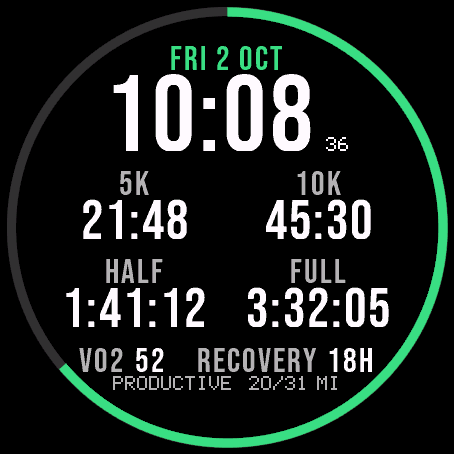
Garmin race predictions and weekly mileage right on the face.
 Photography
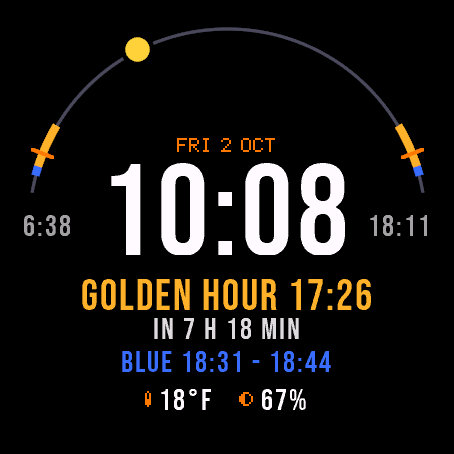
Amber Hour
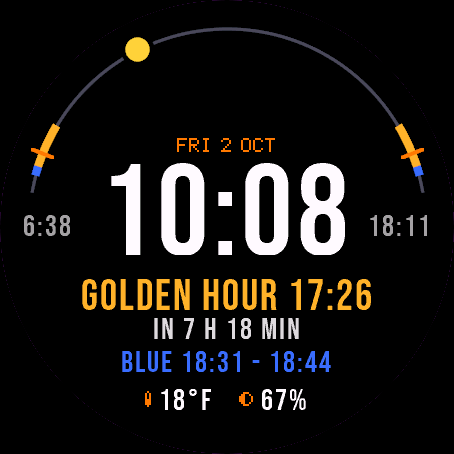
Golden and blue hour countdown with the sun's path across your day.
 Readiness
Day Verdict
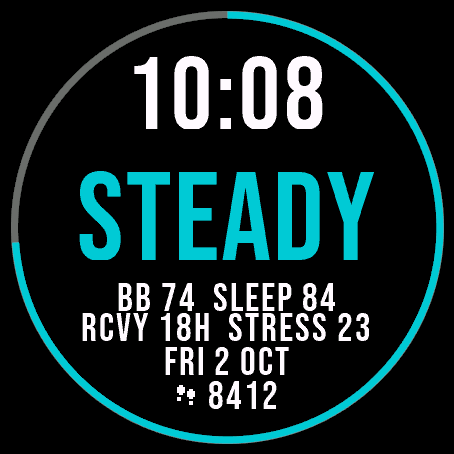
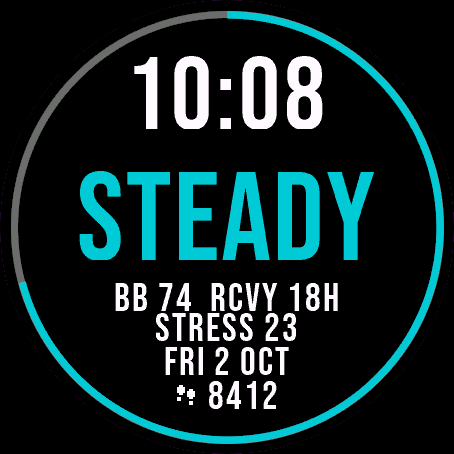
One word for your day: PUSH, STEADY, EASY or REST, from your sleep, Body Battery and recovery.
 Activity
Ring Day
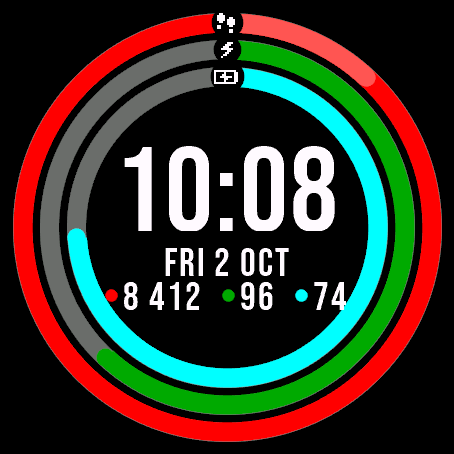
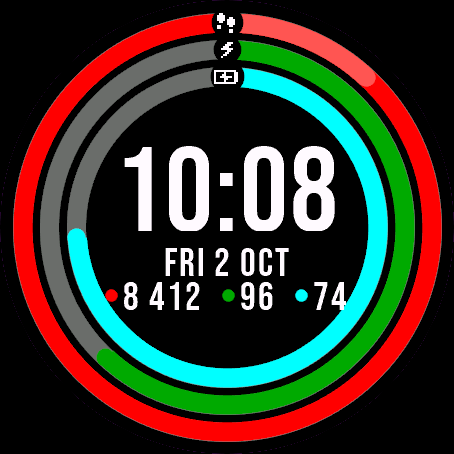
Three activity rings around the time, for people who close their rings.