Download and test free for 7 days
- Download the file yourself and install it on your watch with a cable. Test it free for 7 days.
- Like it? Buy a code once, yours forever. No subscription.
- Do not like it? Do nothing. The face simply stops working. Nobody takes any money from you.
How: enter your e-mail, click the link we send, download the file for your watch and copy it with a USB cable. The panel shows every step.
Set up the face before you download
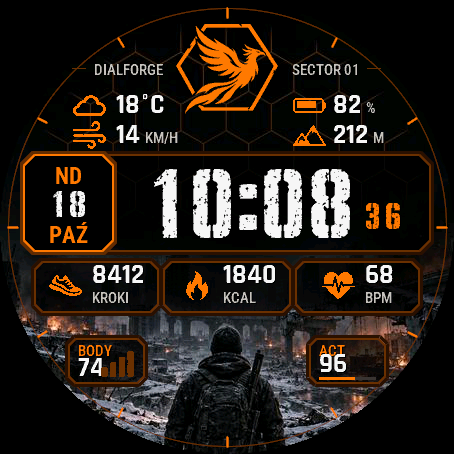
A digital watch face inspired by the mood of post-apocalyptic action games: a ruined city on fire, a soldier seen from behind, an orange interface like a military terminal. The emblem (a phoenix in a hexagon), the backgrounds and the digits are original and were made for this face.
In the middle a large time in a stencil typeface with worn paint, small seconds next to it in your accent colour. On the left a date frame: weekday, day number and month, in your language. At the top the emblem with a text on each side and four fields: by default weather with temperature, wind, battery and altitude. Below the time three framed fields: steps, calories, heart rate. In the lower corners two small badges, by default Body Battery and active minutes, with a label of up to four characters that you type yourself.
Three backgrounds to choose from: a soldier among ruins, just the street of a destroyed city, or a dark background with a thin hexagon grid. The images are darkened under the text so the numbers stay readable, also in sunlight. On watches with a MIP screen (fenix 7, fenix 8 Solar, fenix 9 Pro Solar, Forerunner 255 and 955, Enduro 3) the photo has 64 colours: dithering is used only in the lower part, and the time digits have fewer "holes" in the paint, because on a screen that small they would turn into noise.
Every field can be changed. You can pick from more than 30 kinds of data, including energy level, stress, floors, pressure, sunrise and sunset, VO2 max, sleep score, humidity, UV index, chance of rain and battery in days. A field can also stay empty. Missing data shows as "--", nothing is invented.
You can also set:
- the accent colour: orange, red, gold, green, turquoise, blue or white,
- the frame style: neon, tiles or just lines at the corners,
- the ring at the screen edge: full with marks every 5 minutes, hour marks only, seconds progress or off,
- time digits white or in the accent colour,
- the texts on both sides of the emblem: left the watch model, your own text or nothing, right your own text up to 12 characters (ready-made: SECTOR 01, OPS, ALPHA, RECON),
- the badge labels, distance and calorie goals for the progress bars, the thresholds where the battery turns orange and red,
- how long weather data counts as current. The phone sends the weather and the face cannot force it to fetch new data, so older data shows as "--",
- seconds (hidden automatically when the watch saves the screen),
- the always-on screen on AMOLED: whole face dimmed (default: the time as an outline, the date, the four top fields and a thin dashed ring), time with date, time only or off. The picture shifts every minute,
- the date language (13 languages), time format and leading zero.
You can change everything on the watch too, in the Customize menu. The menu is translated into 35 languages.
Works on 64 Garmin watches with a round AMOLED or MIP screen: fenix 7, fenix 8, fenix 9 and fenix E, epix (Gen 2 and Pro), Enduro 3, MARQ Gen 2, D2 Air X10, Mach 1 and Mach 2, Descent Mk3 and G2, Approach S50 and S70, Forerunner 165, 170, 255, 265, 570, 955, 965 and 970, Venu 2, 3 and 4, vivoactive 5 and 6 and Instinct 3 AMOLED. It is not available for fenix 6, older Forerunners, the square Venu Sq and Venu X1 or Instinct with a black and white screen: they have too little memory for the picture or a different screen shape.
The face asks for location access only to calculate sunrise and sunset on the watch. It sends nothing to the internet.
Trial: the face works fully for 7 days. In the last 3 days the number of days left appears at the bottom. After that the face shows your Watch ID and dialforge.dev. Buy a code for that number and enter it in the Connect IQ app, in the face settings (Unlock code).
Code not working? Write to kontakt@dialforge.dev and I will fix it or refund you.
If the face is useful to you, you can buy me a coffee: buycoffee.to/iwannaflysohigh
Cyfrowa tarcza inspirowana klimatem postapokaliptycznych gier akcji: zrujnowane miasto w ogniu, żołnierz widziany od tyłu, pomarańczowy interfejs jak z wojskowego terminala. Godło (feniks w sześciokącie), tła i cyfry są oryginalne, narysowane specjalnie do tej tarczy.
Pośrodku duża godzina szablonowym pismem ze startą farbą, obok małe sekundy w kolorze akcentu. Po lewej ramka z datą: dzień tygodnia, numer dnia i miesiąc, w twoim języku. U góry godło z napisem po każdej stronie i cztery pola: domyślnie pogoda z temperaturą, wiatr, bateria i wysokość. Pod godziną trzy pola w ramkach: kroki, kalorie, tętno. W dolnych rogach dwie małe plakietki, domyślnie Body Battery i minuty aktywności, z podpisem do czterech znaków, który wpisujesz sam.
Do wyboru trzy tła: żołnierz na tle ruin, sama ulica zburzonego miasta albo ciemne tło z cienką siatką sześciokątów. Obrazy są przyciemnione pod napisami, żeby liczby dało się czytać także w słońcu. Na zegarkach z ekranem MIP (fenix 7, fenix 8 Solar, fenix 9 Pro Solar, Forerunner 255 i 955, Enduro 3) zdjęcie ma 64 kolory: rozpraszanie jest tylko w dolnej części, a cyfry godziny mają mniej "dziur" w farbie, bo na tak małym ekranie robiłby się z nich szum.
Wszystkie pola możesz zmienić. Do wyboru jest ponad 30 rodzajów danych, między innymi poziom energii, stres, piętra, ciśnienie, wschód i zachód słońca, VO2 max, wynik snu, wilgotność, indeks UV, szansa opadów i bateria w dniach. Pole może też zostać puste. Brak danych pokazuje się jako "--", nic nie jest zmyślone.
Co jeszcze ustawisz:
- kolor akcentu: pomarańczowy, czerwony, złoty, zielony, turkusowy, niebieski albo biały,
- styl ramek: neon, płytki albo same linie przy rogach,
- pierścień przy krawędzi ekranu: pełny z kreskami co 5 minut, same kreski godzinowe, postęp sekund albo wyłączony,
- cyfry godziny białe albo w kolorze akcentu,
- napisy po bokach godła: po lewej model zegarka, własny tekst albo nic, po prawej własny tekst do 12 znaków (gotowe: SECTOR 01, OPS, ALPHA, RECON),
- podpisy plakietek, cele dystansu i kalorii dla pasków postępu, progi, od których bateria robi się pomarańczowa i czerwona,
- jak długo dane pogody są uznawane za aktualne. Pogodę wysyła telefon, tarcza nie zmusi go do pobrania nowej, więc starsze dane pokazuje jako "--",
- sekundy (znikają same, gdy zegarek oszczędza ekran),
- ekran wygaszony na AMOLED: cała tarcza przygaszona (domyślnie: godzina samym konturem, data, cztery pola u góry i cienki przerywany pierścień), godzina z datą, sama godzina albo nic. Obraz przesuwa się co minutę,
- język daty (13 języków), format godziny i zero na początku.
Wszystko zmienisz też na zegarku, w menu Dostosuj. Menu jest przetłumaczone na 35 języków.
Działa na 64 zegarkach Garmin z okrągłym ekranem AMOLED albo MIP: fenix 7, fenix 8, fenix 9 i fenix E, epix (Gen 2 i Pro), Enduro 3, MARQ Gen 2, D2 Air X10, Mach 1 i Mach 2, Descent Mk3 i G2, Approach S50 i S70, Forerunner 165, 170, 255, 265, 570, 955, 965 i 970, Venu 2, 3 i 4, vivoactive 5 i 6 oraz Instinct 3 AMOLED. Nie ma jej na fenix 6, starszych Forerunnerach, kwadratowych Venu Sq i Venu X1 ani na Instinct z ekranem czarno-białym: mają za mało pamięci na zdjęcie albo inny kształt ekranu.
Tarcza prosi o dostęp do lokalizacji tylko po to, żeby policzyć na zegarku wschód i zachód słońca. Nic nie wysyła do internetu.
Próba: przez 7 dni tarcza działa w całości. W ostatnich 3 dniach na dole pojawia się liczba dni, które zostały. Potem tarcza pokazuje numer ID zegarka i adres dialforge.dev. Kod kupujesz dla tego numeru i wpisujesz w aplikacji Connect IQ, w ustawieniach tarczy (pole Kod odblokowania).
Kod nie działa? Napisz na kontakt@dialforge.dev, poprawię albo oddam pieniądze.
Jeśli tarcza Ci się przyda, możesz postawić mi kawę: buycoffee.to/iwannaflysohigh
Rate this face (only I see the rating)
Permissions and privacy
This product asks the watch for the permissions below. Connect IQ shows them when you install it.
- Sensor history: Reads recent values stored by the watch (for example Body Battery, stress, heart rate, steps trend).Odczytuje ostatnie wartości zapisane przez zegarek (na przykład Body Battery, stres, tętno, trend kroków).
- Your profile: Reads your Garmin profile on the watch (for example age, weight, heart rate zones) to calculate values for you.Odczytuje Twój profil Garmin na zegarku (na przykład wiek, wagę, strefy tętna), żeby liczyć wartości dla Ciebie.
- Watch data (complications): Shows data from other watch features, such as battery or steps, on the face.Pokazuje na tarczy dane z innych funkcji zegarka, takie jak bateria czy kroki.
- Location (GPS): Uses the watch location for distance, speed or sun and moon times. The location is not sent anywhere.Używa lokalizacji zegarka do dystansu, prędkości albo godzin słońca i księżyca. Lokalizacja nigdzie nie jest wysyłana.
This product does not use the internet and sends no data to our servers.
The full manual and the detailed permission descriptions are available in English and Polish.
Unlock
€4.49
One-time payment. No subscription. The code works on the watch whose ID you enter.
- Download the face for free (button at the top) and copy it to the watch with a USB cable. You pay nothing for 7 days.
- Find the watch ID (10 digits): a face installed by cable shows it on its screen when the 7-day trial ends.
- Enter the watch ID and e-mail, pay by card, Apple Pay, Google Pay or PayPal. The code appears here at once and in your e-mail.
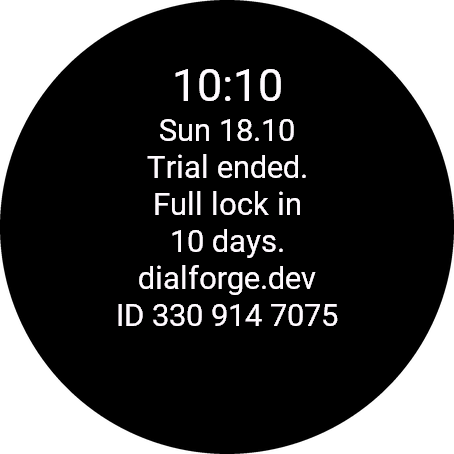
Paste the whole text from the watch, for example ID 123 456 7890. The number is different in every face, so read it in the one you are unlocking.
Optional. Tells us which watches our faces run on. It does not change your code.
Code not working on your watch? Write to me and I refund within 14 days.
or with PayPal
In the Facebook or Instagram browser? If the payment window does not open, open this page in Chrome or Safari (three-dot menu, Open in browser).
Payments by Stripe and PayPal. Seller: Mateusz Kolarz, Lublin, Poland.
Thank you! Your code:
Where to paste the code
- The watch checks the code offline, usually within a minute. A face installed by cable has no settings on the phone: it unlocks by itself after the trial, when the watch is connected to the phone. This can take a few hours. If it does not, write to kontakt@dialforge.dev.
We show the code here too. If the e-mail does not arrive (check spam), you can recover the code in the Recover code section with the UID and e-mail from your order. Recover code
More faces
 RunningIn the Garmin store
Race Ready
5.0 from 16 ratings in the Garmin store
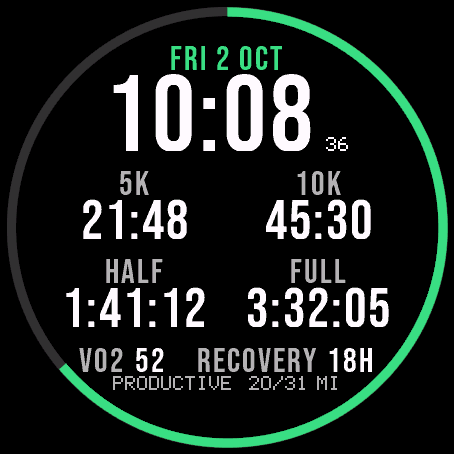
Garmin race predictions and weekly mileage right on the face.
 PhotographyIn the Garmin store
Amber Hour
5.0 from 14 ratings in the Garmin store
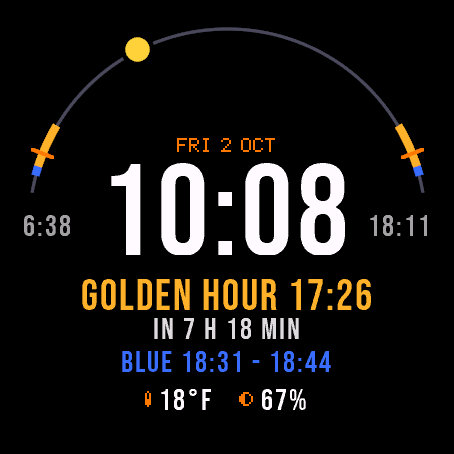
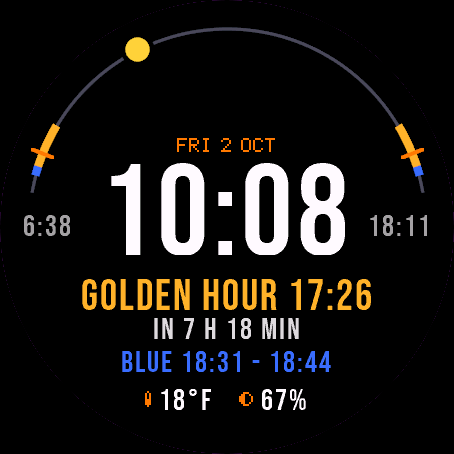
Golden and blue hour countdown with the sun's path across your day.
 ReadinessIn the Garmin store
Day Verdict
5.0 from 9 ratings in the Garmin store
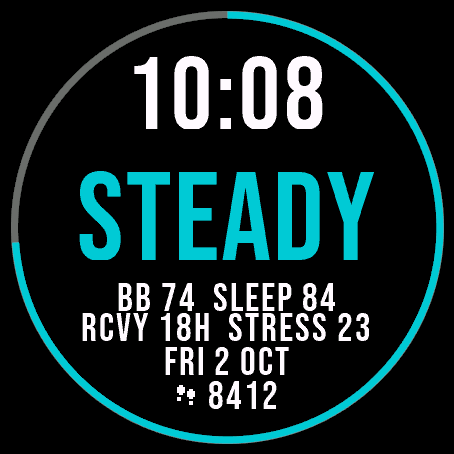
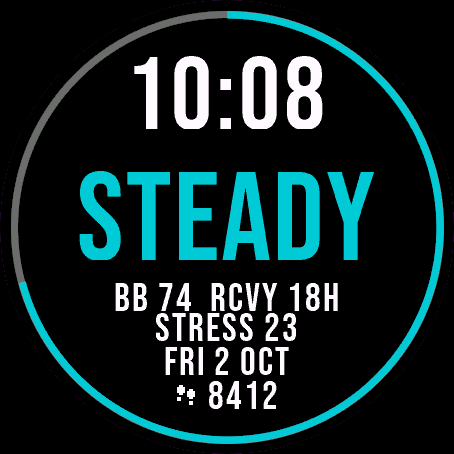
One word for your day: PUSH, STEADY, EASY or REST, from your sleep, Body Battery and recovery.
 ActivityIn the Garmin store
Ring Day
5.0 from 15 ratings in the Garmin store
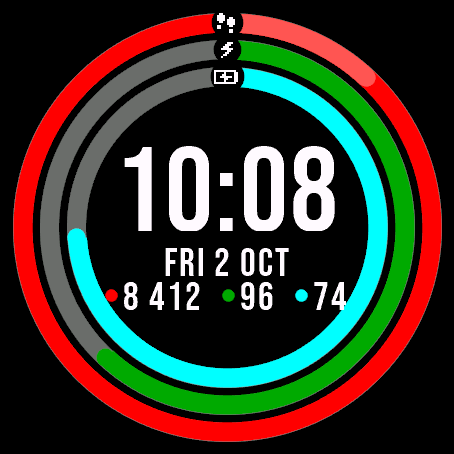
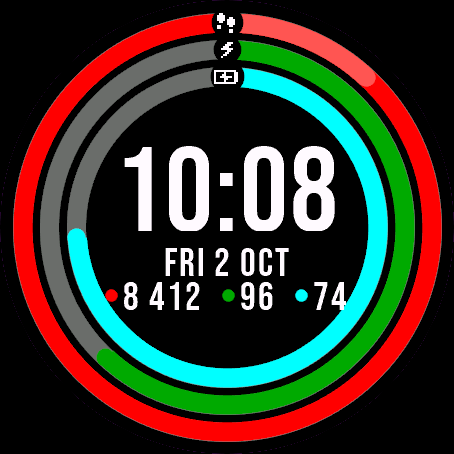
Three activity rings around the time, for people who close their rings.